Accept USDT (BEP-20) in WooCommerce — Secure, Fast, and Simple
Add a modern crypto checkout to WooCommerce in minutes. Choose Hosted Checkout or a Custom QR Page, and verify payments with HMAC-signed webhooks. No private keys on WordPress.
Overview
RazCrypto Gateway lets WooCommerce stores accept USDT (BEP-20) on Binance Smart Chain. Use our lightweight JS SDK with either Hosted Checkout or a Custom QR Payment Page. Orders auto-update via webhook; add HMAC to confirm authenticity.
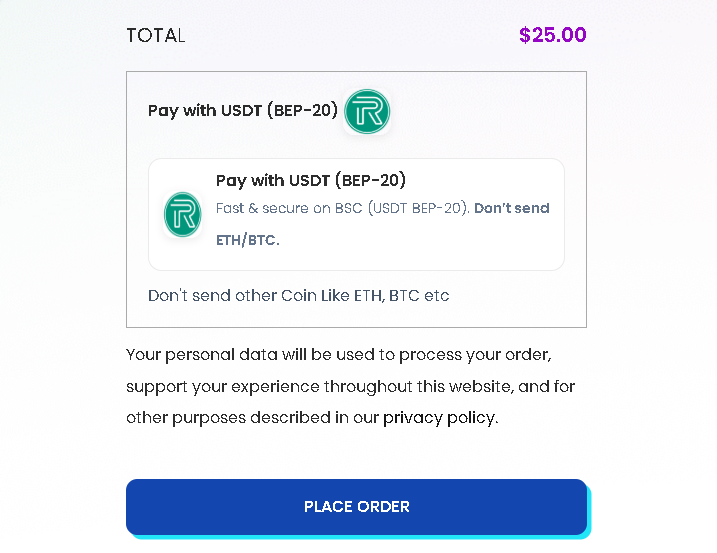
Install Options
From WordPress.org (recommended)
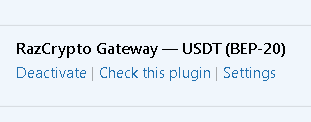
WordPress Admin → Plugins → Add New → Search “RazCrypto Gateway — USDT (BEP-20)” → Install → Activate.
Upload ZIP
Download the latest ZIP, then Plugins → Add New → Upload Plugin → Choose file → Install → Activate.
⬇ Download plugin 126KB
Setup in WooCommerce
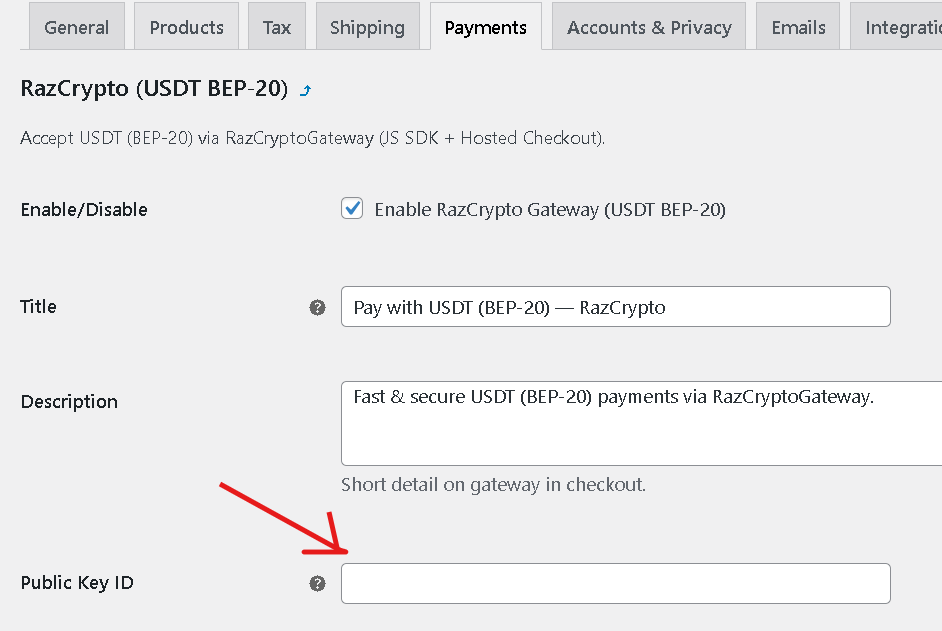
- Go to WooCommerce → Settings → Payments and enable RazCrypto (USDT BEP-20).
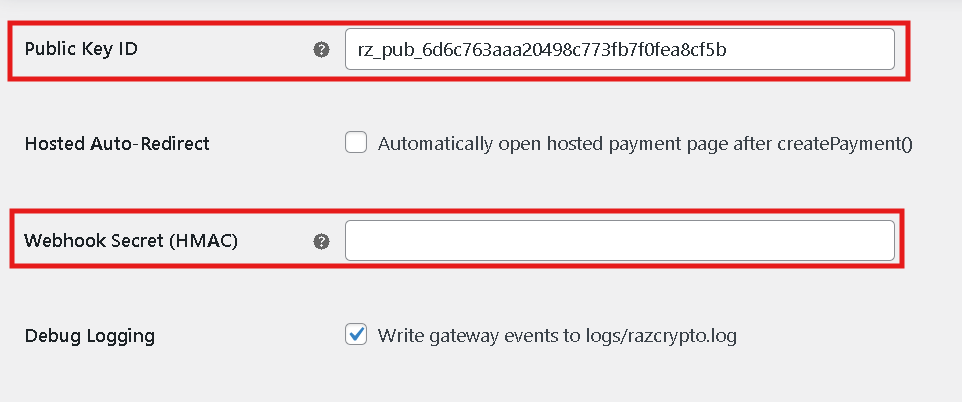
- Click Manage and paste your Public Key ID (from Dashboard → API Keys).
- (Optional) Enter your Webhook Secret for HMAC verification.
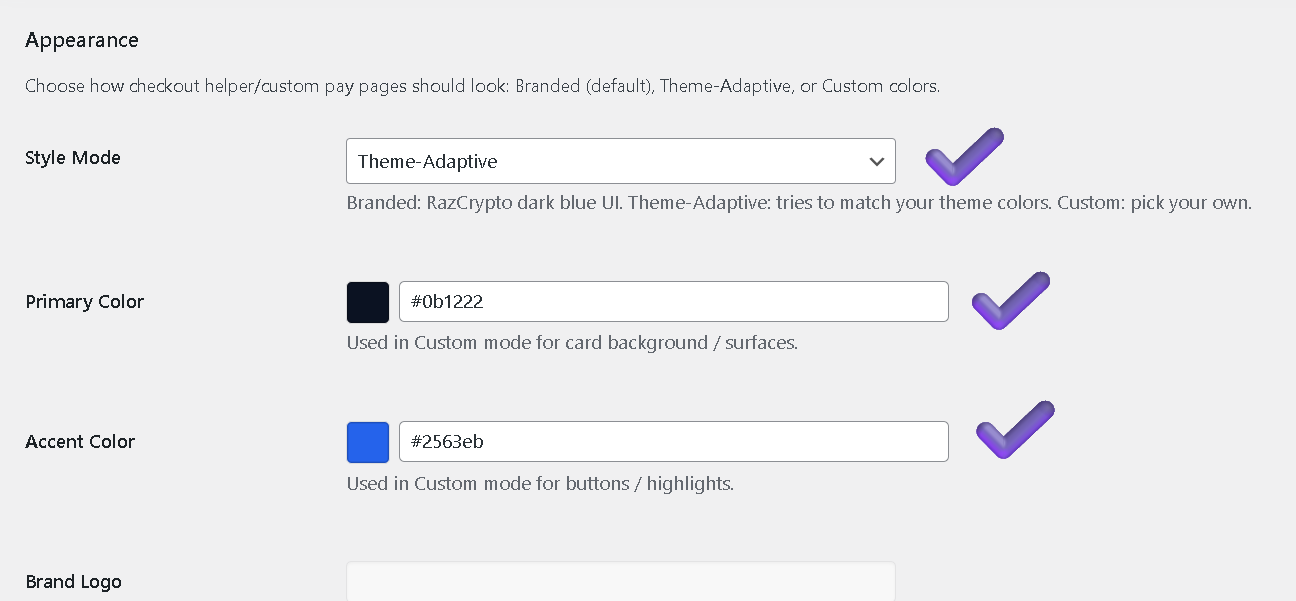
- Choose Appearance: Branded / Theme-Adaptive / Custom Colors.
- Save, place a test order, and complete payment via Hosted or Custom page.
Hosted vs Custom Payment Page
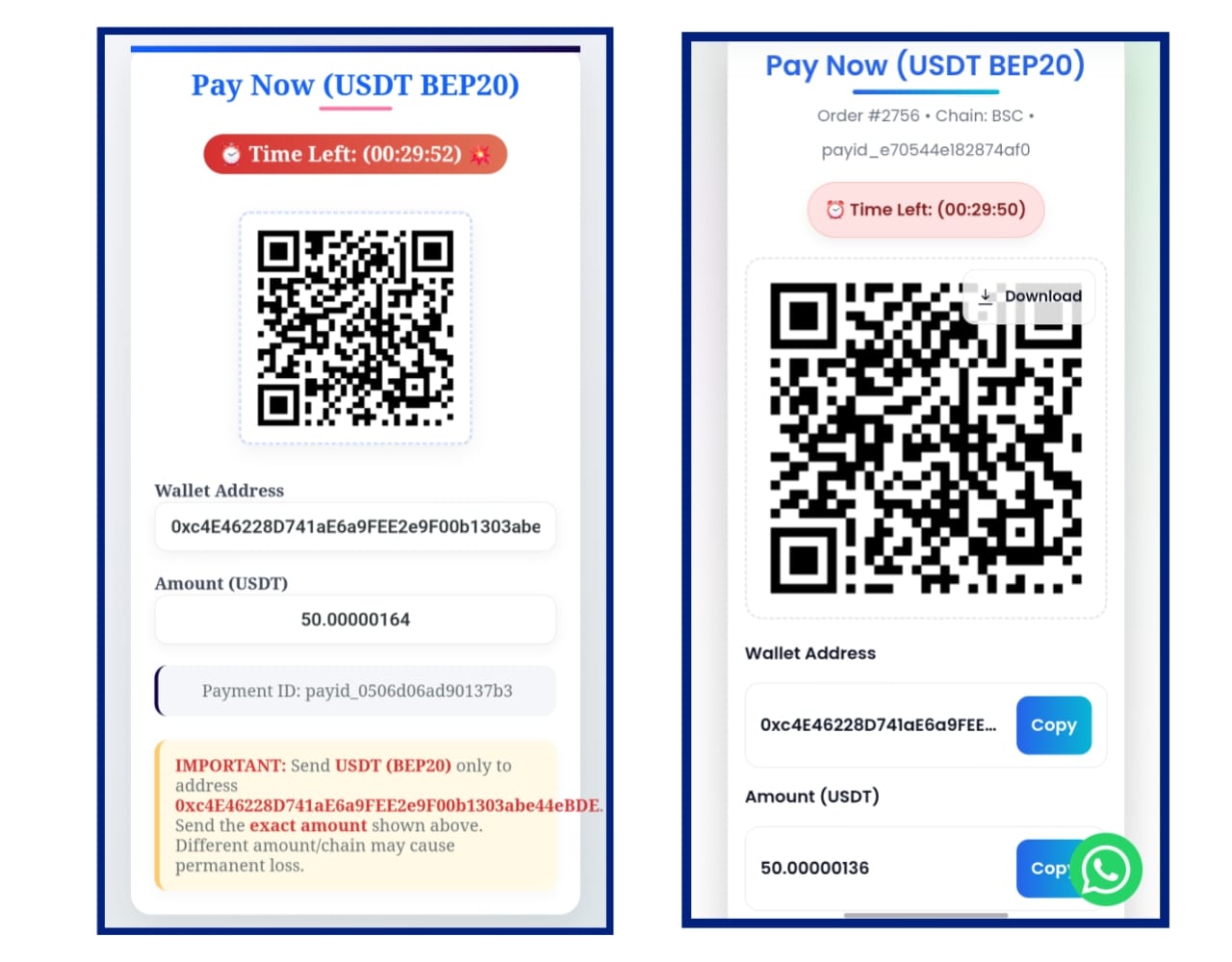
Hosted (recommended)
After checkout, customers are auto-redirected to a secure Hosted Checkout Page. Minimal maintenance, best reliability.
Custom
Stay on your domain with a branded Custom QR Page. Shows QR, Wallet Address, Exact Amount, and a Timer with copy buttons.
Webhook (HMAC) — How it Confirms Orders
RazCrypto sends a signed webhook to your site once the payment is confirmed on-chain.
https://your-site.com/?razcrypto_webhook=1&order_id={ID}
Security: Add your Webhook Secret in the plugin. The callback includes a signature header (e.g., X-RAZCRYPTO-SIGNATURE) so your site verifies authenticity before changing order status.
Appearance & Branding
- Branded: RazCrypto defaults (dark, modern)
- Theme-Adaptive: Auto-match theme colors
- Custom: Pick Primary / Accent with live preview
Demo & Video
Try a Demo Store
🚀 Open DemoWatch Integration Video
▶ Watch VideoFrequently Asked Questions
Which coin/network are supported?
Do I need to store private keys on my site?
Is the webhook required?
What’s the webhook URL?
https://your-site.com/?razcrypto_webhook=1&order_id={ID} — generated automatically by the plugin.Where are logs stored?
wp-content/uploads/razcrypto.log; if plugin logs/ is writable, there too.Does it work with my theme?
Will it slow my site?
Can I skip the Hosted page?
Do you support subscriptions?
What about refunds?
What fees apply?
Sandbox / test mode?
Multi-site or multiple stores?
Shared hosting support?
Is the checkout mobile-friendly?
Changelog
v1.0.0 — Initial release: Hosted + Custom page, HMAC webhook, Logs, Appearance modes.
Support
Need help? Email [email protected]
Docs: Public Key, Full Integration
Demo Store: demo.razcryptogateway.com